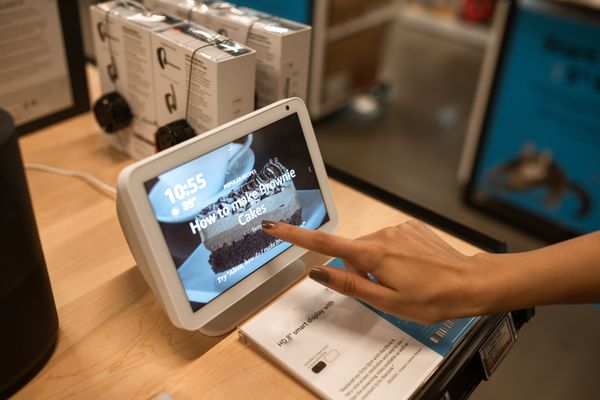
Smart Displays
A smart display is a smart speaker with a screen bolted on, and that screen changes how you use it more than you'd expect. Recipes stay visible while you cook, video calls become actually usable, and camera feeds from a video doorbell or security camera show up automatically when someone's at the door.
Size matters more here than with regular speakers. A small display works well on a nightstand as an alarm clock and photo frame; a larger one earns its counter space in a kitchen where you're glancing at it from across the room.
As with speakers, the screen is attached to a specific voice assistant ecosystem, so factor that into the decision alongside screen size and camera features.
What to look for
Match screen size to placement
A 5-6 inch display is right for a nightstand or shelf; go 8-10 inches for a kitchen counter you'll view from a few feet away.
Check for a camera shutter
Most displays with video-calling cameras include a physical shutter or lens cover. If you'll keep it in a bedroom, treat that as a requirement, not a nice-to-have.
Video doorbell and camera compatibility
If you already own (or plan to buy) a video doorbell or security camera, confirm it works with the display's ecosystem — a Ring doorbell won't show a live feed on a Google Nest Hub, for example.