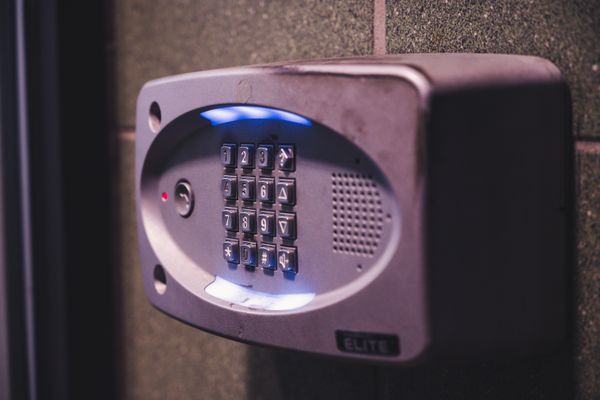
Smart Locks
A smart lock lets you ditch physical keys for a keypad code, phone app, or fingerprint, and gives you guest codes you can revoke remotely instead of handing out copies of a key. That's the main appeal for renters hosting guests, families with kids who lose keys, or anyone who's been locked out one too many times.
There are two basic types: retrofit locks that attach to your existing deadbolt and turn it with a motor (keeping your original keyway as backup), and full-replacement locks that swap the whole deadbolt for a keypad or connected unit. Retrofit is easier to install and reversible if you're renting.
Connectivity matters too — some locks only talk to a nearby hub or your phone over Bluetooth, while others connect directly to Wi-Fi for remote locking/unlocking from anywhere.
What to look for
Retrofit vs. full replacement
Retrofit locks (like the August) sit over your existing deadbolt and are renter-friendly since you can restore the original hardware later. Full-replacement locks (like Schlage or Yale models) usually offer a more integrated keypad but are a bigger commitment.
Confirm remote access requirements
Some locks need a separate Wi-Fi bridge or hub to unlock remotely over the internet; others have Wi-Fi built in. Check whether remote access is included or requires an accessory.
Keep a physical key backup
Even the most reliable smart lock can run out of battery. Choose one with a physical keyway backup or a keypad that supports backup codes, not a device with no fallback entry method.
Check door and deadbolt compatibility
Measure your door thickness and backset before buying — some smart locks don't fit doors outside a certain thickness range, and not all deadbolts are compatible with retrofit motors.